
Procedures, parts, and plans for small engineering teams.
Opus, Charta, and Manus keep your procedures, materials, and team plans in one place, with a signed record of every step.
Free plan. No card. Works in your browser.
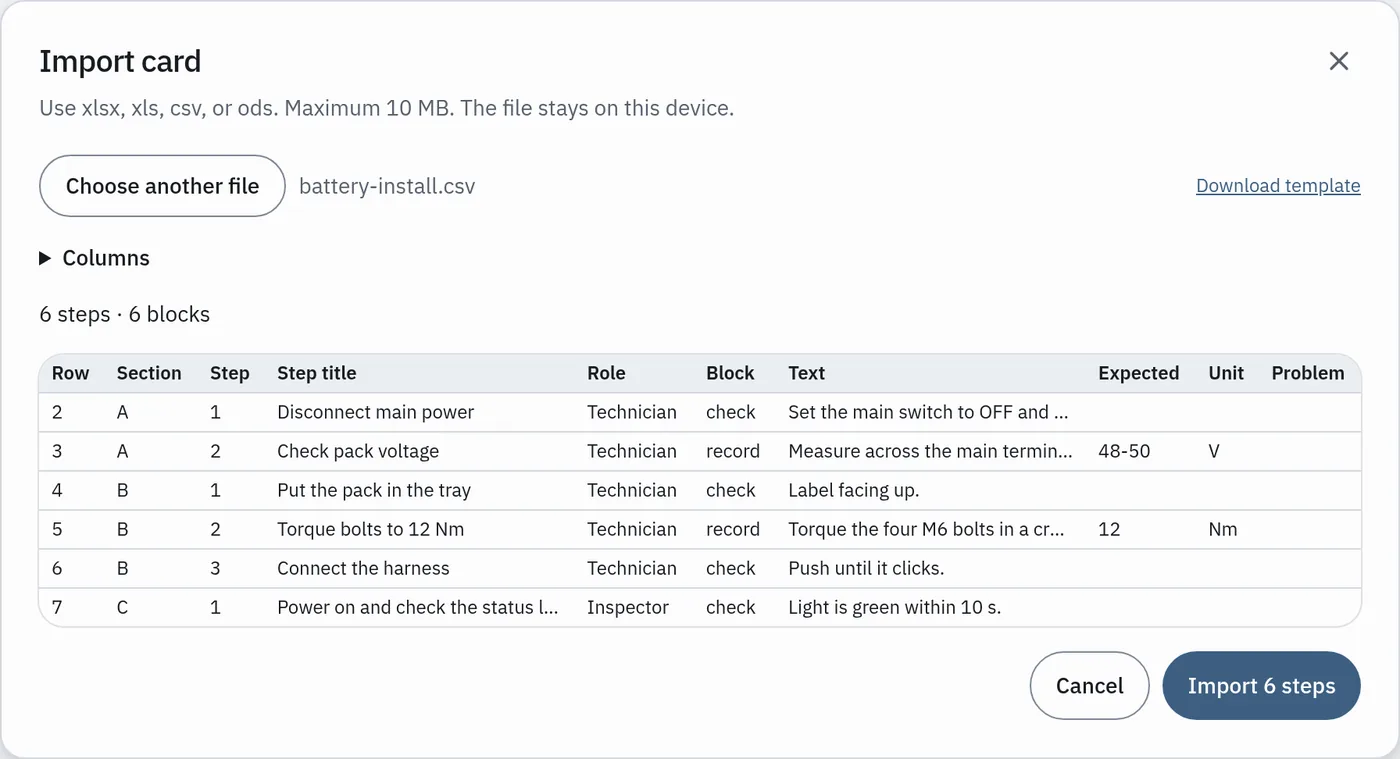
Import
Already have procedures in Excel?
Bring them in as they are. You check the result before anyone runs it.
- 1UploadChoose your .xlsx file. Each row becomes a step.
- 2Fix steps in the previewWe mark the rows that need a look. Edit them in place.
- 3PublishLock the version. Your team can run it now.
Apps
Three apps. One team account.
Use one, or use all three. They share the same people and the same data.
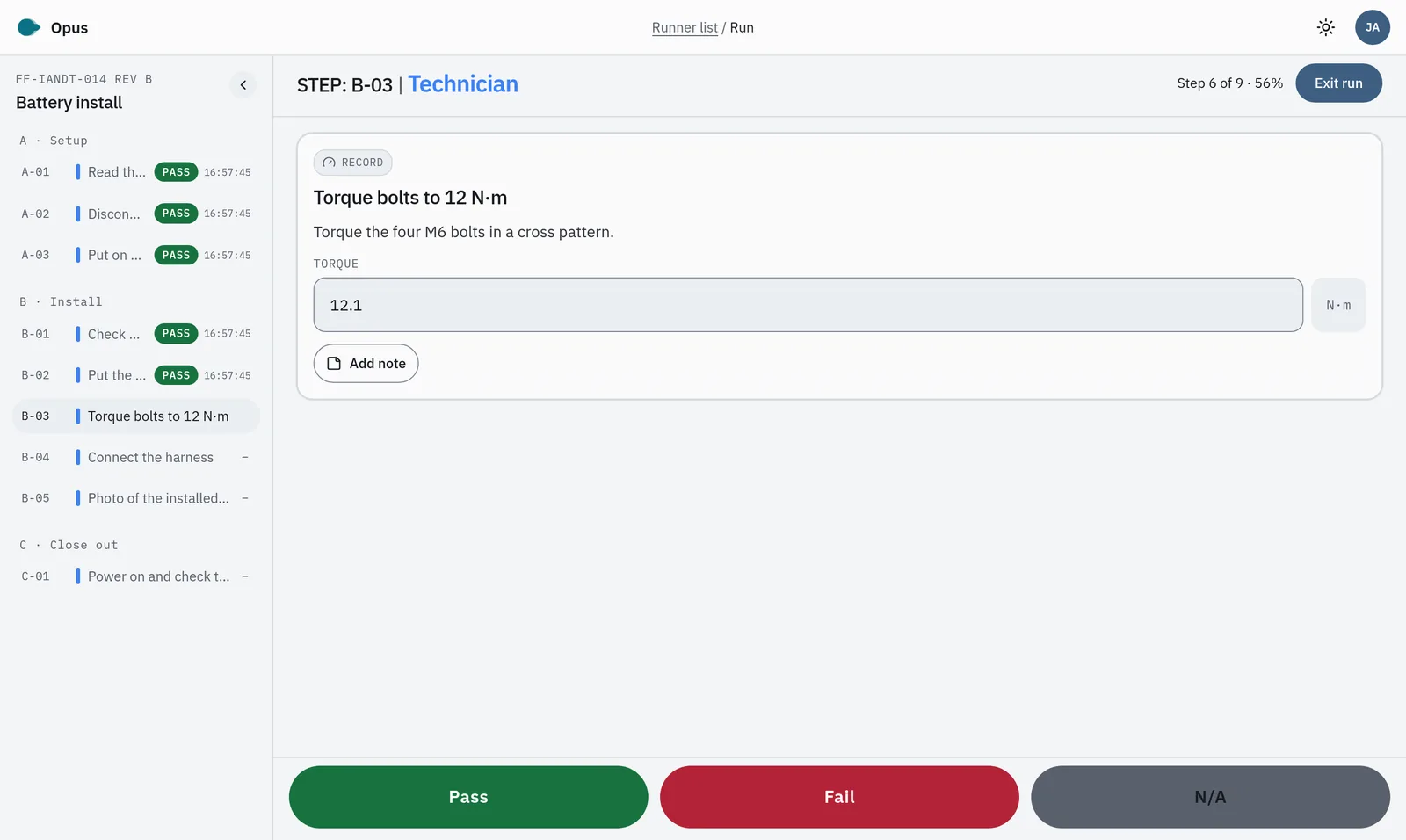
Opus: run procedures as a team.
Write the steps once and lock the version. At the bench, each person signs the step they did, and everyone sees it at the same time.
- One step at a time, on phone or laptop
- Name and time on each sign-off
- PDF of the finished record
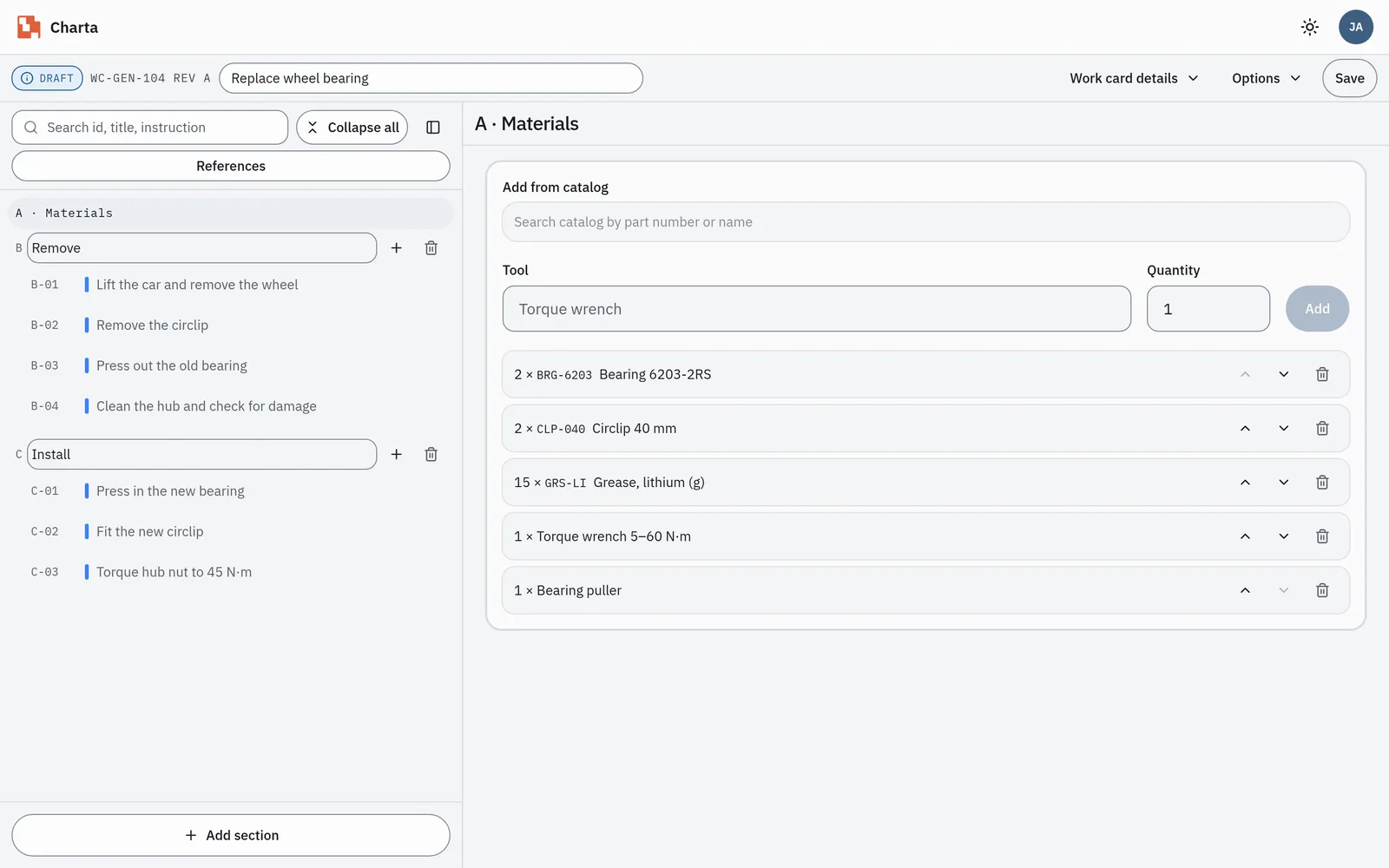
Charta: work cards and materials.
Give each job a work card. List the parts and materials it uses, and see what is in stock before you start.
- Work cards with steps and photos
- Parts used are taken from stock
- See what needs attention
Manus: manage the team.
Plan the work for the week, give each job to a person, and see what is next. Start a procedure from the plan.
- Plan by week
- Each job has an owner
- Open the Opus run from the plan
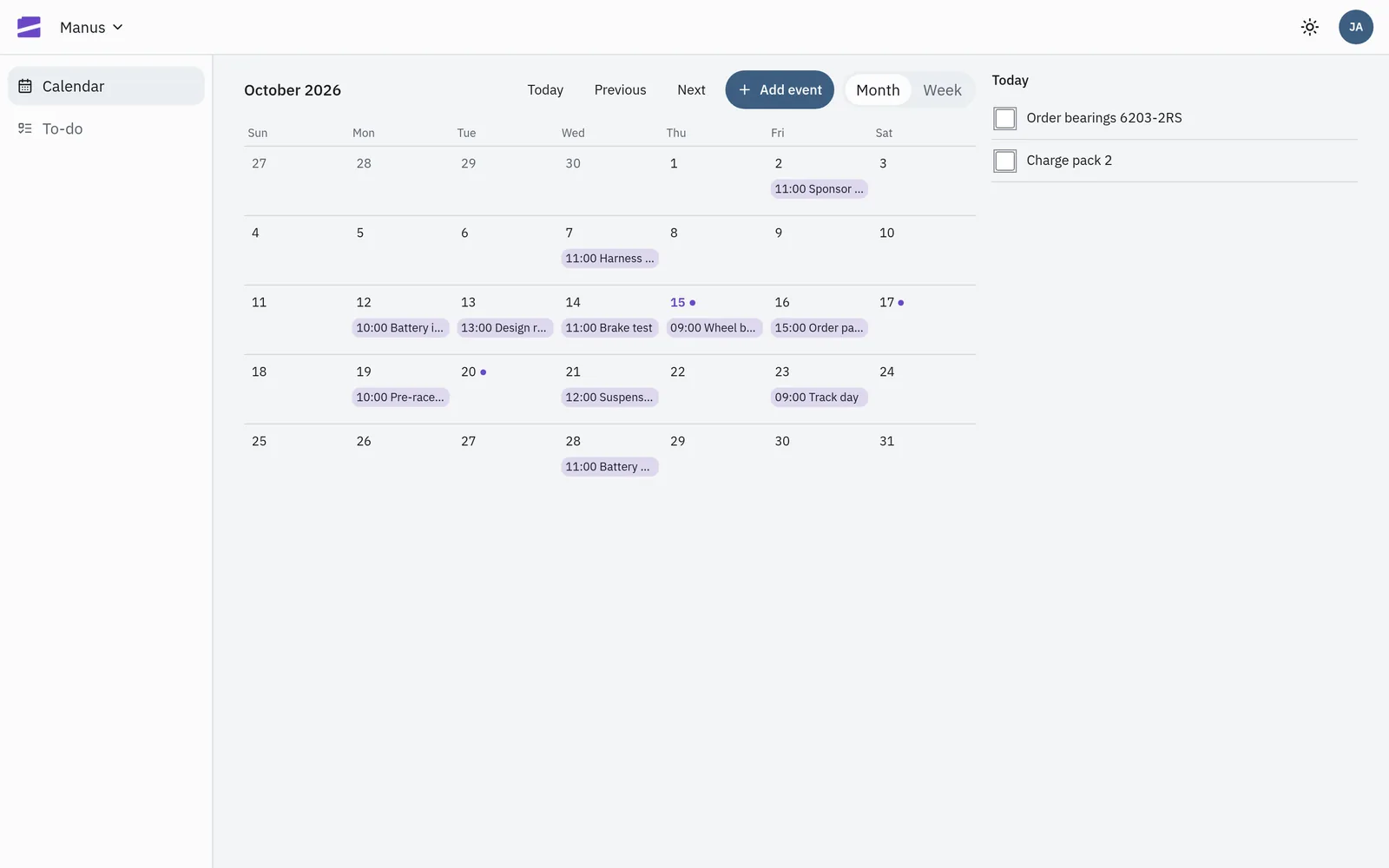
How they work together
From the plan to the signed record.
One job, three apps, no copying between files.
 Manus plans it"Battery install" is on Monday, owned by Jamie.
 Opus runs itThe team runs the locked procedure and signs each step.
 Charta tracks the partsThe work card records the parts used and updates stock.
Trust
Your records, kept safe.
Each team has its own space. Other teams cannot see your procedures or records.
Each step shows who signed it and when. Export the record as a PDF.
Nothing to install. Use a laptop to write and a phone at the bench.
Start free. Pay when your team grows.
The free plan has every feature, with limits on procedures, people, and storage.
FAQ
Questions
What do I need to start?
A web browser and an email address. There is nothing to install.
Can I import my Excel procedures?
Yes. Upload the file, fix any steps in the preview, and publish. You can also start from our template.
Do I need all three apps?
No. Start with one. The others use the same team account when you need them.
Who can see our data?
Only the people on your team. Each team's data is kept separate.
Is there a free plan?
Yes. It has every feature, with limits. See the pricing page for details.
Procedures, parts, and plans for small engineering teams.
Start free, or bring your Excel procedures with you.